Checklist: 10 Metrics Every SharePoint Admin Should Monitor
Learn how to level up your intranet with insights into SharePoint usage and adoption.
Checklist
Checklist: 10 Metrics Every SharePoint Admin Should Monitor
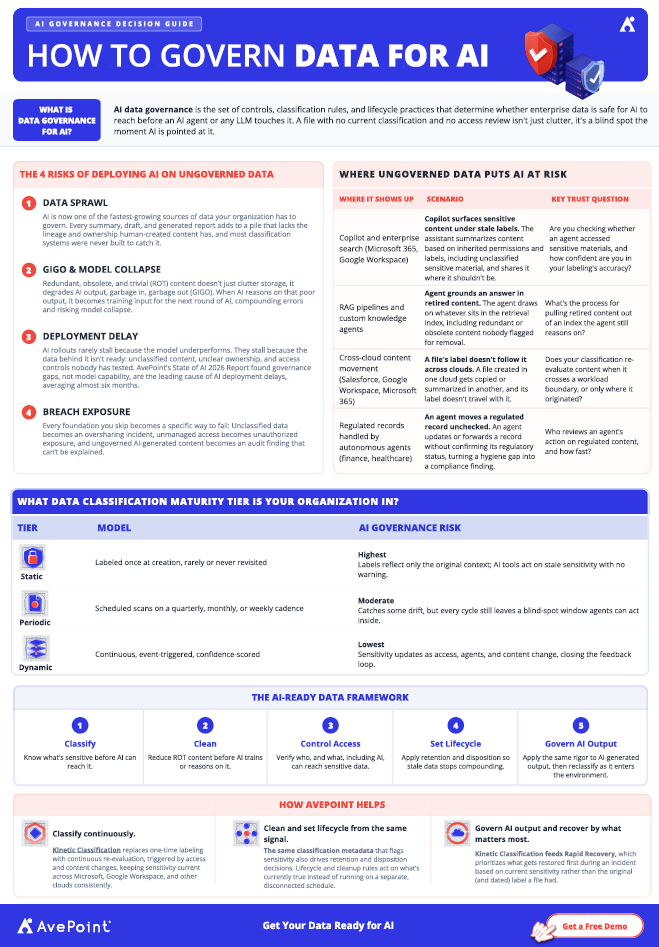
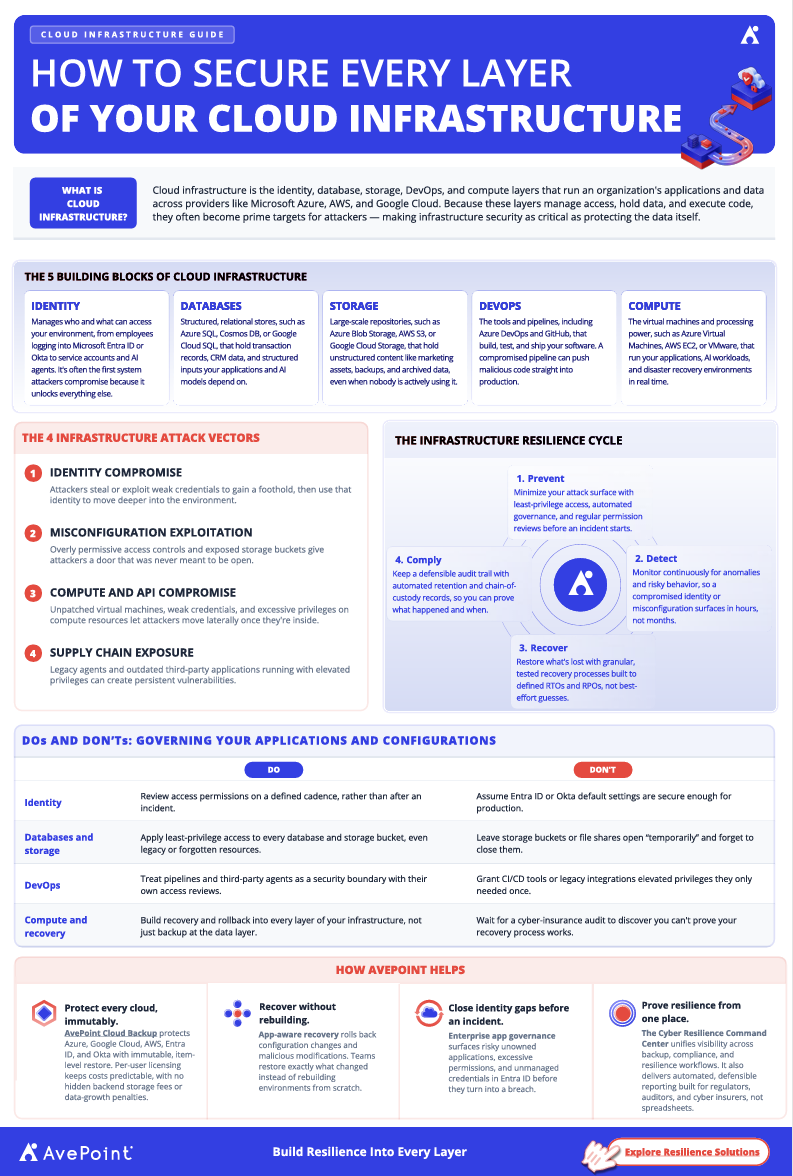
Is your SharePoint reaching its maximum potential?
Intranets like SharePoint are the gateway to the modern workplace, serving as collaborative knowledge management hubs for the entire organization.
Because of how fundamental they are across departments, it’s crucial to make the most of our intranets, but it’s difficult to do this without knowing how they are currently being used and by whom.
To help SharePoint admins maximize their intranets to their full potential, we’ve compiled 10 critical metrics to watch so you can monitor the health of your Intranet and make informed decisions about user experience optimization.
Our checklist covers not only what to monitor – but how to do it.
That means you’ll be getting detailed analytics for your SharePoint sites, pages, and data in no time and be one step closer to better allocating IT resources, empowering portal and site owners to improve their content, and enhancing your end-user experience.
And it all starts with 10 simple metrics. Download this checklist to get started.
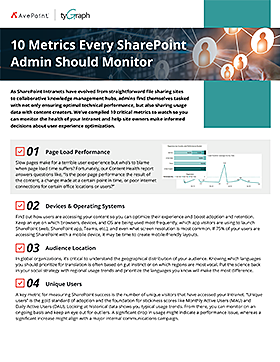
10 Critical SharePoint Metrics to Monitor:
Page load performance
Devices & operating systems
Audience location
Unique users
User churn
Viva Connections users
Top sites
Top links
Navigation
Search results