

 05/01/2014

- How do I empower my mobile workforce?
- How do I protect my content?
- How do I build on my existing systems?
- What about external stakeholders?
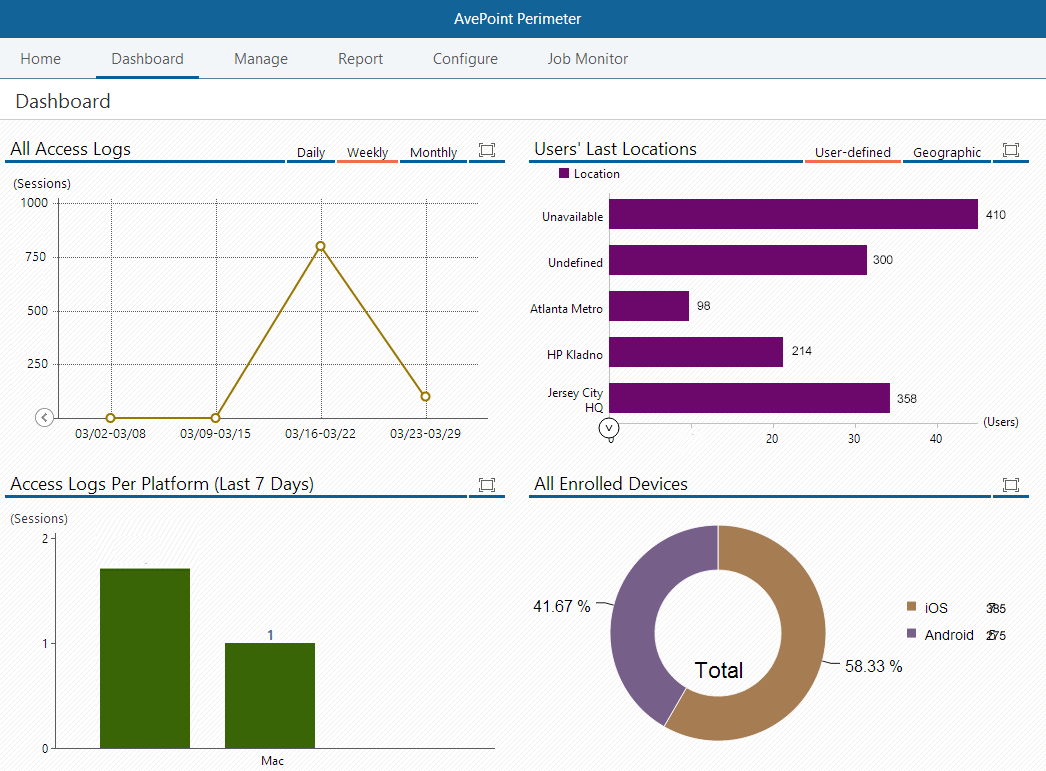 Screenshot of Perimeter's administrator dashboard.[/caption] Available for iOS and Android devices, the Perimeter mobile app helps organizations retain control of data while allowing their workforce to access data on-the-go, directly in the app or on other devices, by using the app to authenticate secure remote access. Enhancing the traditional 2FA approach, Perimeter allows administrators to specify trusted content access by locations. With every remote log-on attempt, Perimeter will attempt to authenticate the user’s log-on credentials, while simultaneously comparing geographic location to established configurations in order to verify the location as trusted. If the user is not in an approved location, the content access will be blocked. This powerful combination of controls ensures SharePoint content is accessed only by trusted users, on trusted devices, in trusted locations. [caption id="attachment_3112" align="alignnone" width="608"]
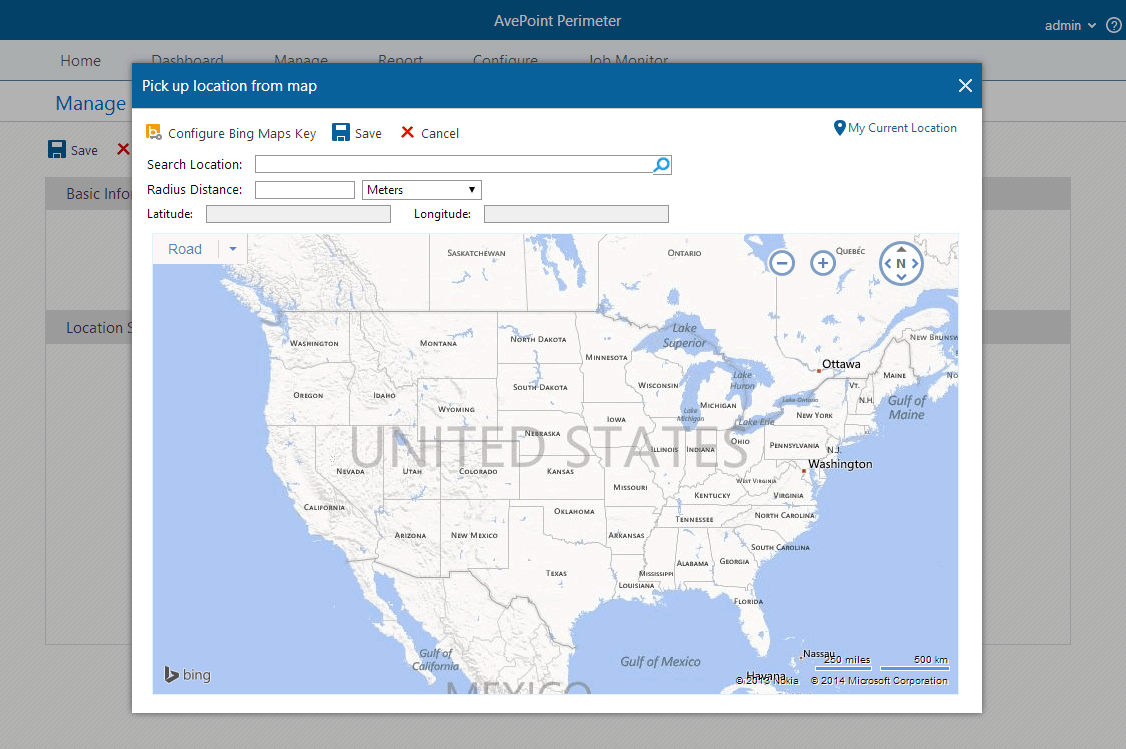 Screenshot of Perimeter's location based controls.[/caption] Sharing Externally Available today, Perimeter Service Pack 2 (SP 2) has also introduced two new features to combat risk often associated with consumer-oriented file sharing services. While these services are easily managed by the end user, their simple, consumer-oriented file sharing models do not translate well into managing content from an enterprise perspective because content ownership, restricted sharing, and data security are not easily tracked or maintained. Administrators, who need to have control over their content to ensure asset security as well as availability, are basically left out of the loop – as end users share data with whomever and however they want, yet are still held liable for the risk of security compromise. Perimeter provides users with two secured, user-friendly ways to share SharePoint content with people outside of organizations – secured share and virtual views. Secured Share From an end-user perspective, the benefit of the secured share feature is the ease of sharing. Employees can share enterprise content directly from SharePoint to external stakeholders, without sacrificing control over documents. Users select the level of access external parties receive – the ability to only view the content in a secure document viewer, the ability to view and create local annotations, or the ability to download. Unlike other file sharing software, Perimeter can also provide updates to the shared document after it has been initially shared, notifying recipients with push notifications – ensuring that the person you shared with always has the most up-to-date document available. [caption id="attachment_3113" align="alignnone" width="615"]
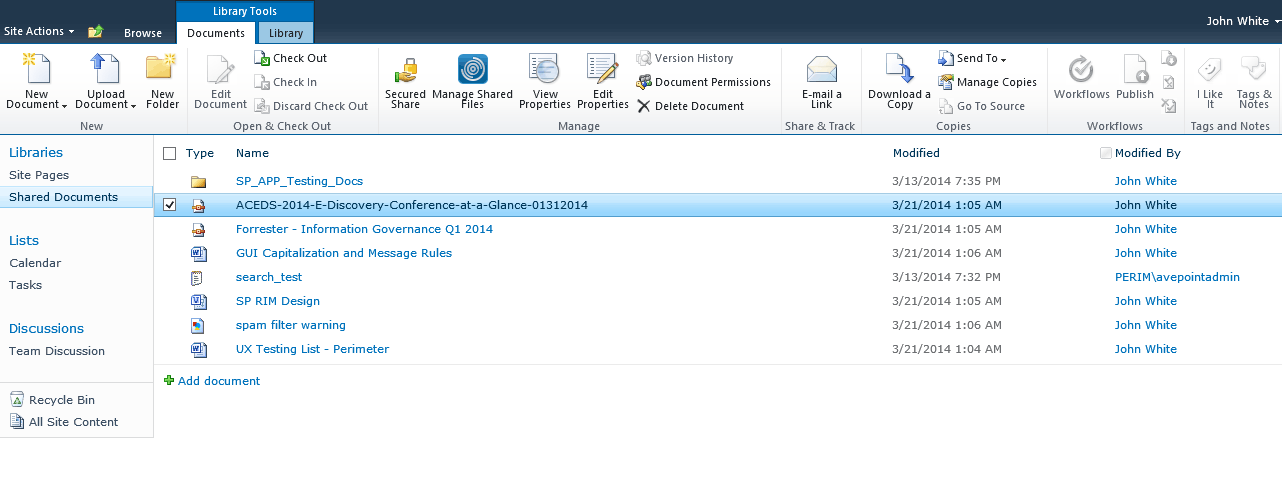 Screenshot of Perimeter's secure sharing feature.[/caption] To facilitate the secure transfer of content, we built the AvePoint Perimeter Portal – a central access point where cached copies of SharePoint content can be placed for external users to access. The portal can be accessed via browser, and external stakeholders can enter the portal to register their mobile device with Perimeter. Once devices are enrolled and registered as secure, external users can access shared content. Internal users also have the ability to access the portal where they can manage shared files and sharing permission settings, or view the audit trail of shared material. Virtual Views Virtual views is a new functionality in Perimeter SP 2 which allows administrators to generate personalized views of SharePoint content for sharing with external parties. The views are created using metadata-driven rules. These rules utilize the metadata fields present within native SharePoint to collect unstructured content fitting to the criteria selected. Once the rules are set, Perimeter automatically places the content in a folder structure and shares the view out with specified external users. Much like our secured share feature, the content within the view also has configurable permission levels, the ability to share updates, and expiration policies. [caption id="attachment_3114" align="alignnone" width="614"]
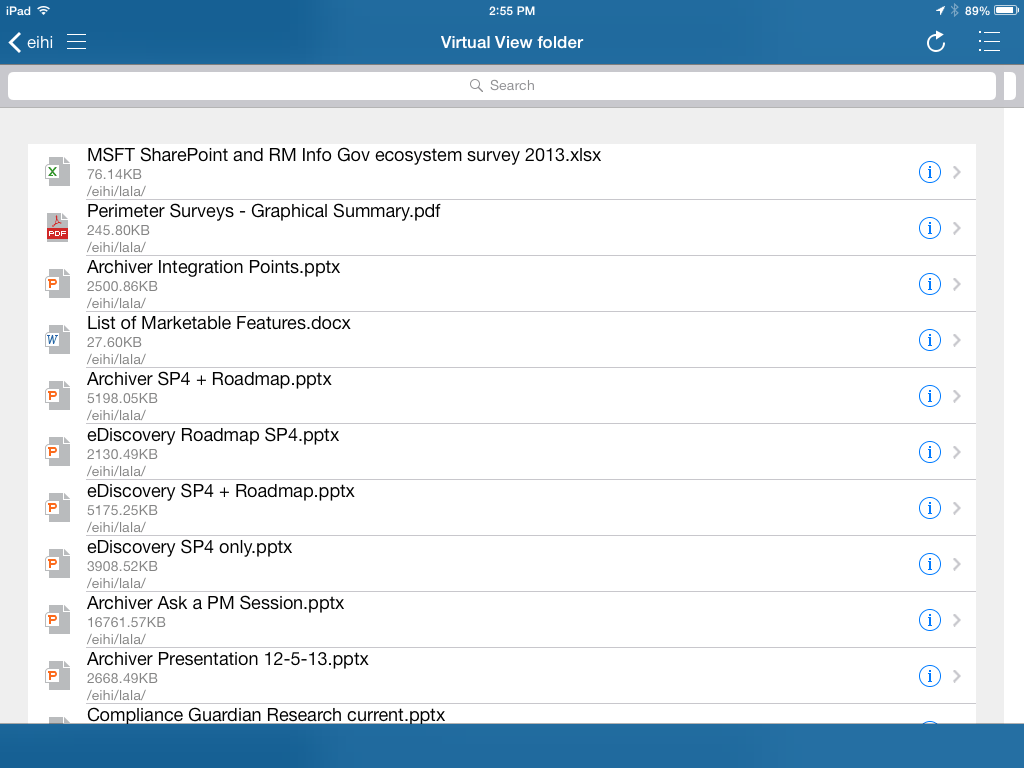 Screenshot of Perimeter's Virtual View folder in the iOS app.[/caption]
For more information about Perimeter, or to request a free trial, please visit our Perimeter product page.