
AvePoint Opus
Powered by advanced AI, AvePoint Opus is the next generation of information lifecycle management solutions allowing you to have complete control from creation to archive or defensible disposal, all through a central interface.

Govern What Matters, Eliminate What You Don't Need.
As data proliferates across your organization, information sprawl increases risk, complicates compliance, and grows storage costs makes it harder to find and trust the content that matters. Automate data minimization, classification, retention, archiving, and defensible disposal to reduce data exposure, control sprawl, and purge ROT data to build a more trusted foundation for AI.
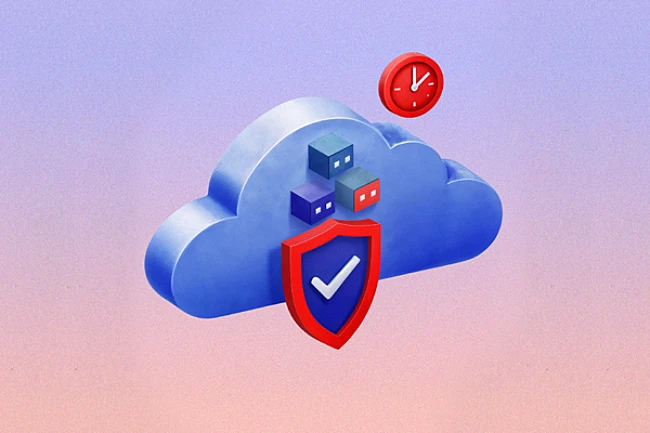
Intelligent Storage Optimization
With AvePoint Opus as your guide, the time is now to get your data and information in check to avoid unplanned storage cost overages as well as streamline your stored content to make it easier for users to find what they need to effectively do their jobs.
AvePoint Opus intelligent storage optimization capabilities can archive data to lower cost cloud storage, improve data quality, and ensure compliance.
Content Archiving
Archive SharePoint Online, Groups, Team sites, and OneDrive content.
Filtering and Rules
Apply business rules to archive content based on various criteria.
High Fidelity Optimization
Preserve metadata, workflow state, permissions, and more.
Flexible Cloud Storage
Align one or more cloud storage systems to support a cost-effective storage hierarchy.

Manage Information Lifecycles, Reduce Risk
Using Microsoft Purview Information Protection and Google DLP sensitivity labels, easily automate business rules to manage your entire information lifecycle from creation and classification archiving or disposal. Control your content from a centralized command center, managing electronic content, self-hosted SharePoint, Exchange Online, social media, file or other connected systems directly alongside physical records.
- Rapid classification
AI-powered classification supports scalable, consistent governance. - Secure your information
Content management, archiving, and disposal shrink your attack surface and ensure compliance. - End-to-end lifecycle control
Oversee and report on all information lifecycle actions.
Lower Data Storage Costs
As data proliferates across collaboration platforms and devices, storage costs and information sprawl continue to grow. Reduce data storage costs and mitigate potential overage fees applying automated rules to move your content to cheaper storage, while maintaining full oversight and management.
- Dynamic retention
Apply default rules to records with business-defined criteria. - Automated storage optimization
Optimize storage by tiering content based on time and metadata. - Discover and eliminate redundant, obsolete, and trivial (ROT) data
Purge outdated, unnecessary data that drives storage costs and harms AI quality.
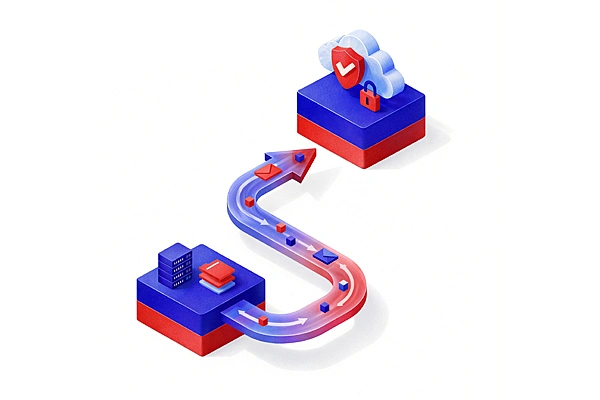

Ensure Regulatory Compliance
Reviewed and certified by leading global authorities, AvePoint Opus is built to achieve compliance with your company’s own policies as well as rapidly changing regulatory requirements at the local, state, and federal levels. Rest easy knowing that you’re not holding onto too much – or too little – information, which significantly reduces your risk of paying fines, injuring your brand reputation, losing assets, facing litigation, and data exposure.
- Next-level classification
Accurately classify content aligned to your lifecycle policies. - Defensible disposal
Dispose of unnecessary content, whether active or inactive. - Advanced search
Quickly find information for access requests.
Data Classification Powered by AI
With automated classification, powered by AvePoint Maestro - our advanced machine learning model built on Azure Machine learning - data classification is accurate and consistent without burdening end users or administrators. Plus, AI makes data managers more efficient and enhances scalability. With no need for employees to spend time searching for data or re-creating content that can’t be found, you’ll see productivity gains and a better user experience.
- Intelligent classification
Classify content in weeks, as opposed to years if done manually. - Empower end users
Remove barriers for users to find information fast. - Seamless integration
Efficiently save content with Office and email integration tools.
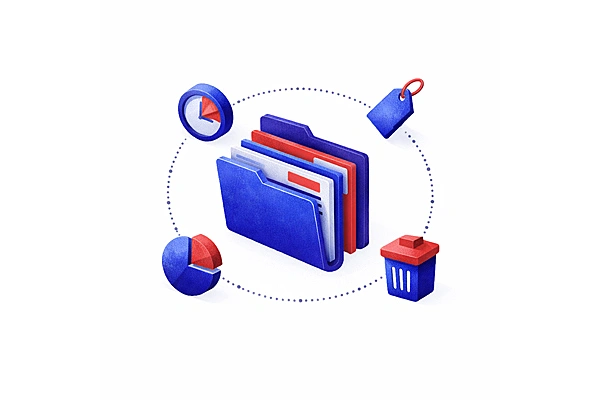
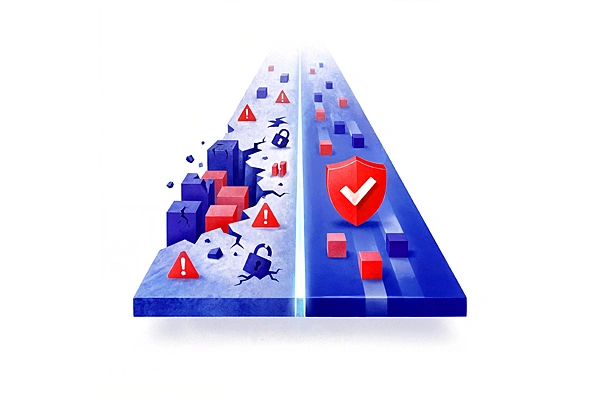
Built-in Reporting
Streamline your information management with a single-pane-of-glass solution that manages electronic and physical content from a simple, intuitive interface. Get quick answers to top-of-mind questions through a graphical dashboard that’s designed for information managers, by information managers. Enable security-trimmed search results and reporting with delegated administration.
- Complete transparency
Manage all content from a centralized dashboard. - Robust reporting
Track user actions, audit trails, and storage savings. - Delegated administration
Enable role-based access and security trimming.
Connector Framework
AvePoint Opus integrates robust information management and granular control capabilities into your organization's workflow, allowing for seamless connection of all information systems. By utilizing Opus’s native connector framework, organizations can establish direct communication with Opus from any solution facilitating efficient lifecycle management and ensuring compliance with regulatory standards.
- Seamless Integration
Our Connector Framework translates systems for seamless integration and easy content access. - Unified Content, Right When You Need It
Unify content across disparate systems to create an organized, accessible, and unified workspace. - Built-In Integration, Zero Hassle
Eliminate costly third-party add-ons to simplify your information management approach.
How Much Microsoft 365 Storage You Can Save with AvePoint
Current storage allowance
Current storage utilised
Average monthly storage growth
costing you an additional $14.38K / year
The Next Generation of AI-Powered Information Lifecycle Management
Compliant
AvePoint Opus is purpose-built to assist organizations in meeting global regulatory requirements, from international standards to local legislation and laws, as well as your company’s own policies. Backed by AvePoint’s powerful security and governance framework, we take the guesswork out of keeping up with the ever-changing compliance landscape. AvePoint Opus is certified compliant for stringent regulations including the National Archives and Records Administration’s FERMI, Information Security Registered Assessors Program (IRAP), and Victorian Electronic Records Strategy (VERS).

AvePoint Opus Success Stories
Learn more about how we help companies worldwide accelerate their information lifecycle management with AvePoint Opus.
Cardinia Shire Council Targets 100% Record Retention and Compliance with AvePoint Opus.


4 Strategies for Cloud Storage Optimization
Discover how to maximize your Microsoft 365 investment without maxing out your storage costs
Ready to see AvePoint in action?
By clicking "Get a Demo," you agree to the use of your data in accordance with AvePoint's Privacy Notice, including for marketing purposes.