
Compliance Guardian
Enterprise Risk, Compliance, Data Protection
Enjoy ultimate data protection - in the cloud or on-premises. Control and monitor how your data flows with automated controls for risk management, data classification, validation, audit, and protection.
Protect Data, Continuously
Automate privacy and security programs across your enterprise’s content with AvePoint Compliance Guardian. Satisfy internal or external requirements for information management and data governance, including GDPR.

Privacy
Better visibility means less risk. Lower your risk profile, map all critical assets, and simplify the audit process.

Security
Ensure robust responses and controls are activated, like an incident response program, and correct data classification.

Information Management
Reduce the cost of legacy IT storage and ensure secure migrations with data optimization.
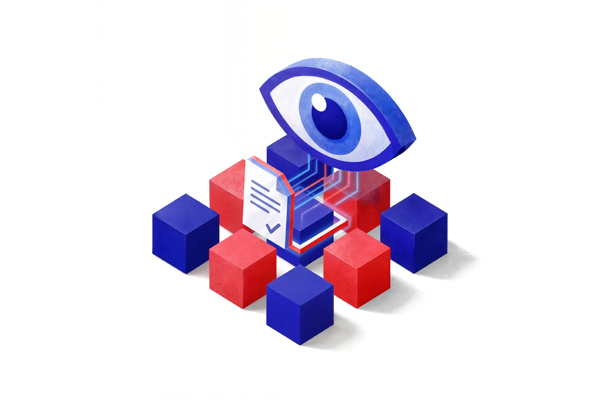
Enterprise risk management
Perform risk-based assessments and generate actionable insights with smarter data—add context, workflow, relationships, intent, and purpose. Establish polices for data collection, storage, and usage.
- Manage breaches: Track and monitor with automated workflow responses.
- Data maps & flows: Gain data insights with risk-based assessments.
- Record inventory: Create logs or bulk-import records from existing systems.
Data validation and classification
Scan results to provide insight into your greatest areas of vulnerability. Tag and classify your data so you can easily locate, and act on at-risk or sensitive data.
- Robust options: Use our 150+ built-in checks or build your own.
- Scan what matters: Scan your environment for PII or sensitive data.
- Enterprise support: Scan all your organization's data - self-hosted or cloud.
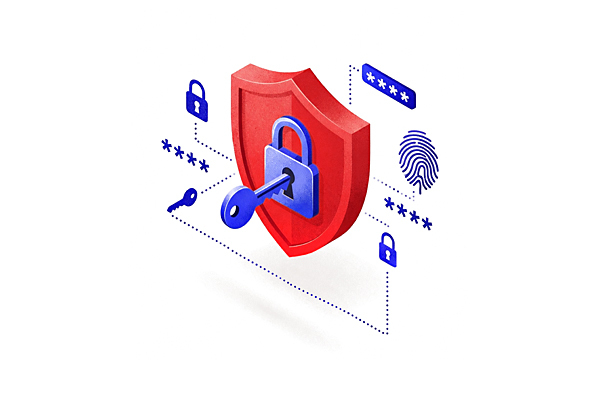
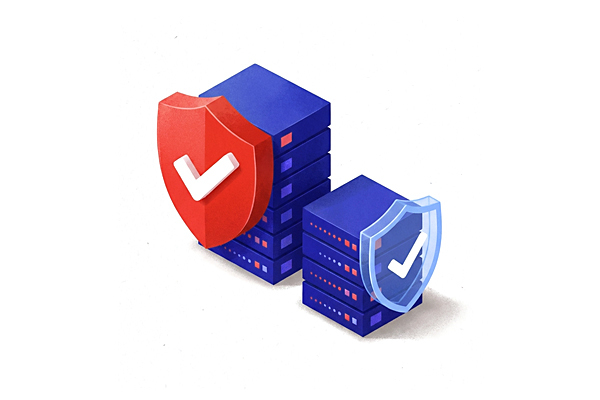
Compliant data protection
Automate controls 24/7 to bring order to your information, and resolve violations across databases, collaboration platforms, and the cloud. Use our Microsoft 365 DLP integration to aggregate incidents and automate incident management workflows to resolve violations. Always be prepared for the next migration or upcoming regulation.
- Protective actions: Delete, quarantine, redact, or encrypt content.
- Policy integration: Store, retain, deduplicate, and secure your content.
- Manage incidents: Ensure swift and effective resolution of incidents.
Secure external sharing
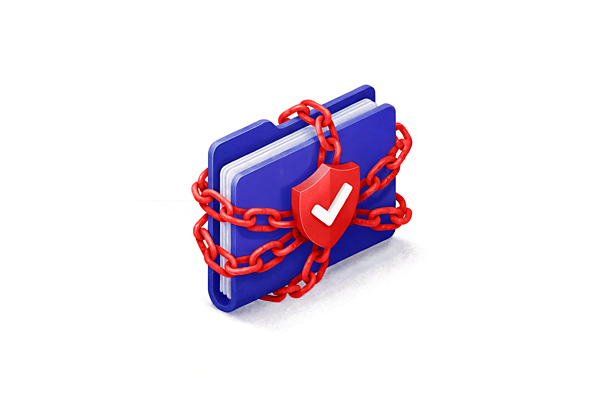
Securely share content with external parties directly from on-premises or cloud libraries by granting temporary access to read, edit, and upload internal content when kept within the Perimeter workspace without creating separate partner portals or extranets.
- Share securely: Enable a secure, self-hosted alternative to cloud-based file sharing.
- Unparalleled insight: Monitor all externally shared content.
- Complete control: Customize a secure experience for external users accessing content.
One System that Works Where You Work


Sign into the AvePoint Portal
Your centralized hub to get the latest information to maximize the value of your AvePoint investment.
User guides → Release notes → Webinars → Videos
Ready to see AvePoint in action?
By clicking "Get a Demo," you agree to the use of your data in accordance with AvePoint's Privacy Notice, including for marketing purposes.